Free résumé templates
43 free templates, from the plainest to the boldest. Every one exports to PDF with no watermark.
Which template should I choose?Simple résumé templates
One column, no decoration: the safest family for recruiting software.
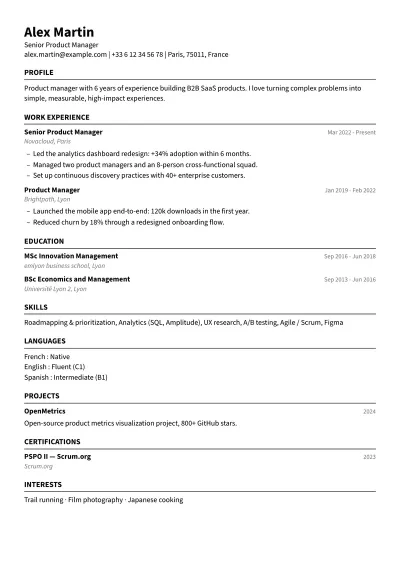
Pure ATS
Very plain · Any field
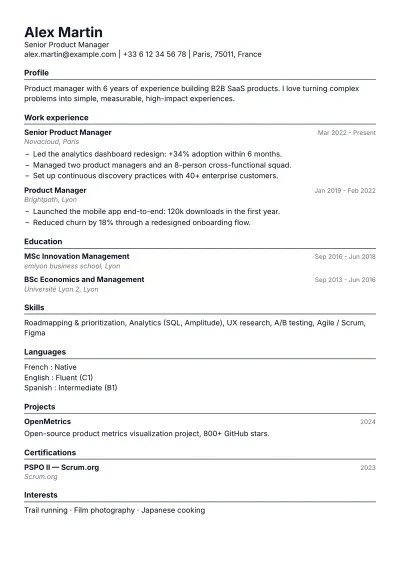
Ink
Very plain · Any field
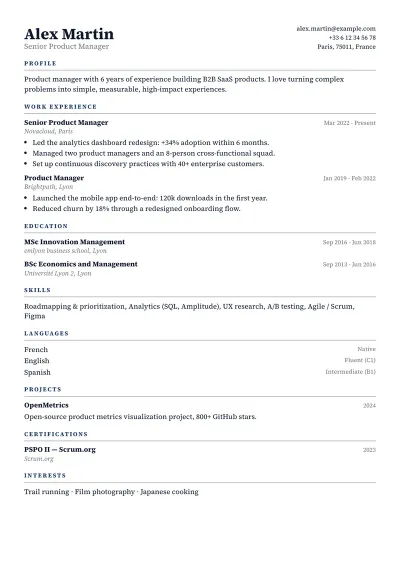
Office
Plain · Business & management · Law & finance · Engineering & public sector
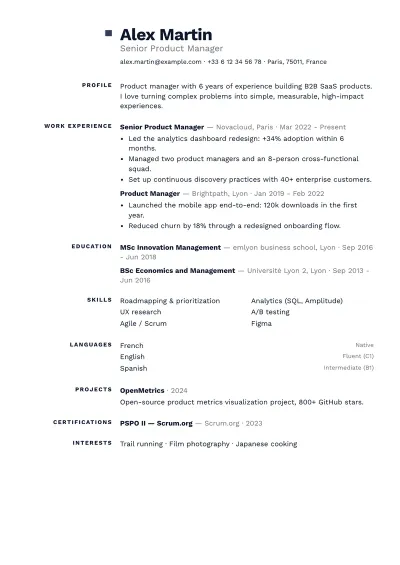
Slate
Plain · Business & management · Tech & data · Engineering & public sector
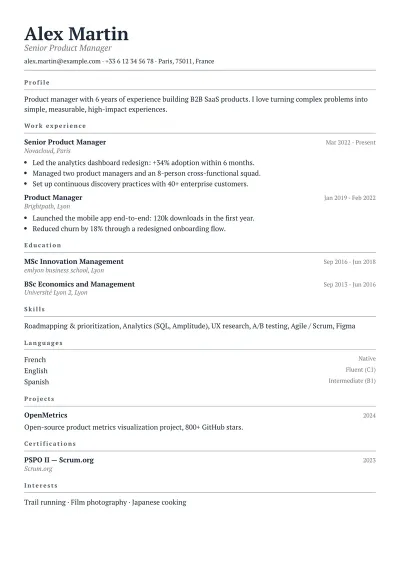
Paper
Very plain · Education & research · Law & finance · Health & care
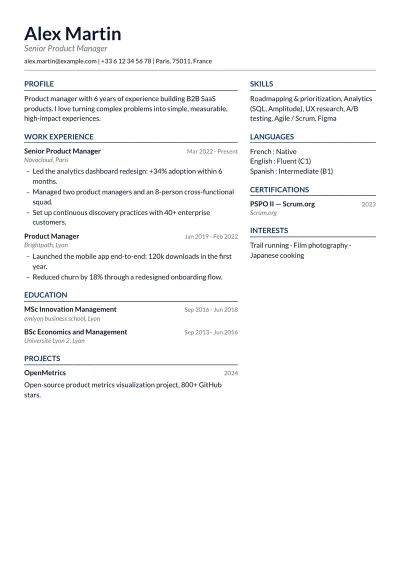
Column
Plain · Business & management · Tech & data · Engineering & public sector · Education & research
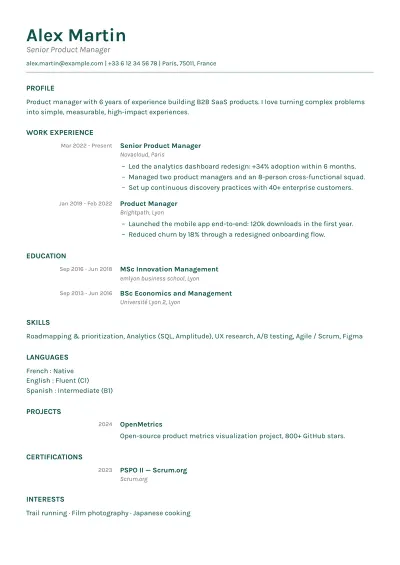
Understated
Plain · Health & care · Education & research · Service & retail
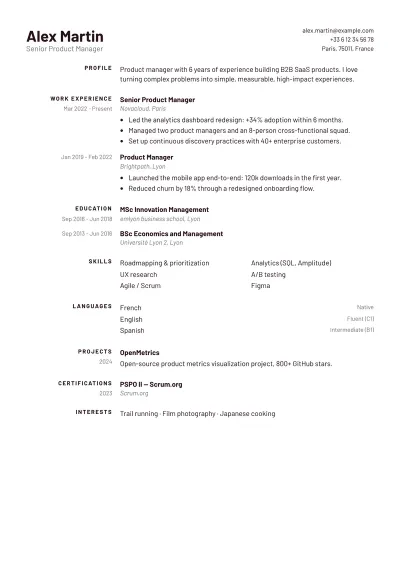
Agency
Plain · Business & management · Service & retail
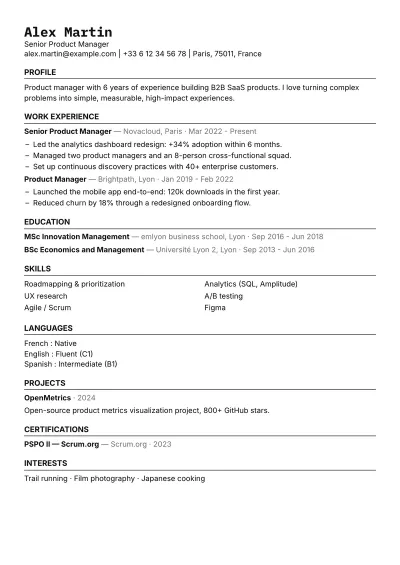
Carbon
Plain · Tech & data
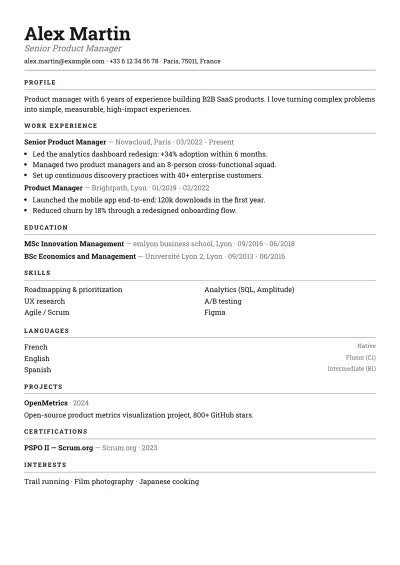
Ledger
Plain · Law & finance · Engineering & public sector
Classic résumé templates
Serif type and subtle paper backgrounds, for applications where form matters.
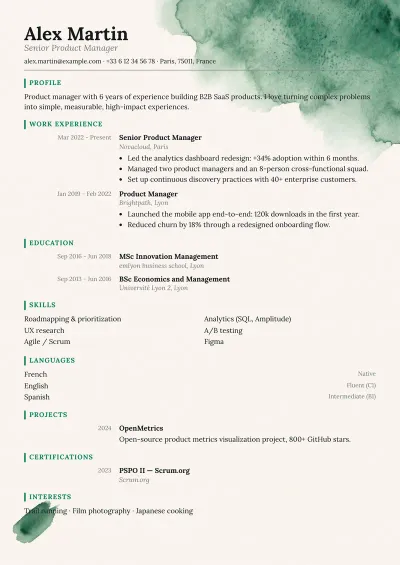
Forest
Balanced · Education & research · Health & care · Service & retail
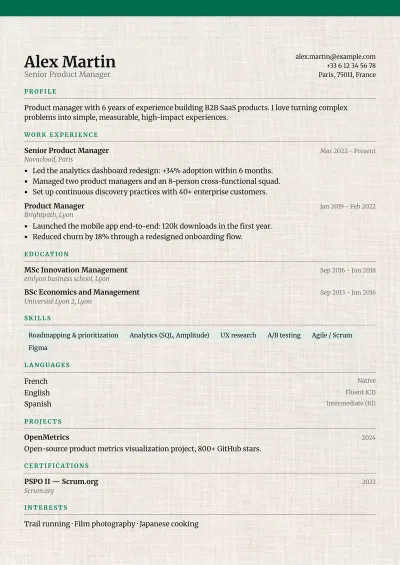
Linen
Balanced · Education & research · Creative · Service & retail
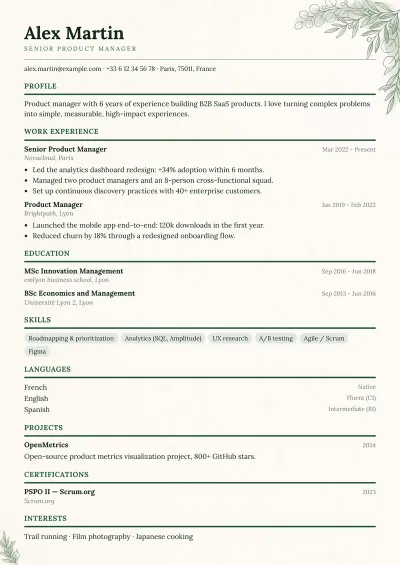
Botanical
Balanced · Health & care · Education & research · Service & retail
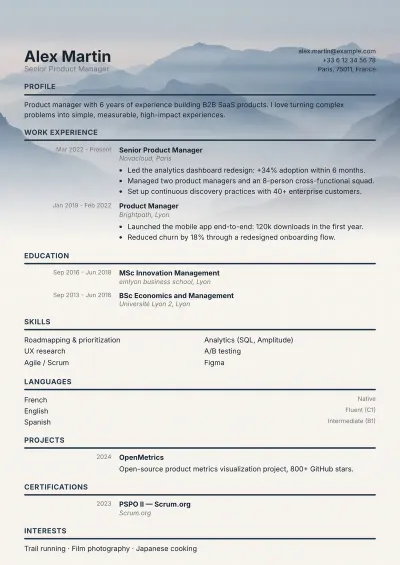
Horizon
Balanced · Business & management · Engineering & public sector · Tech & data
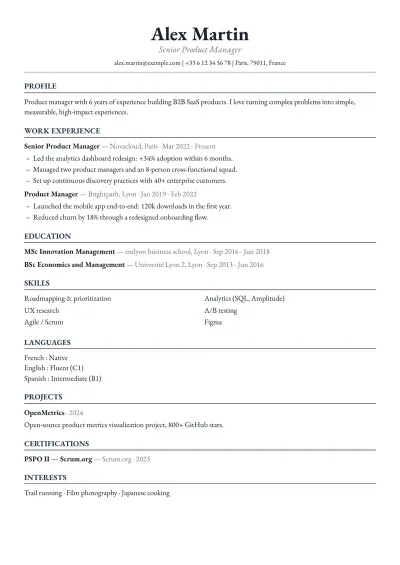
Academy
Plain · Education & research · Law & finance
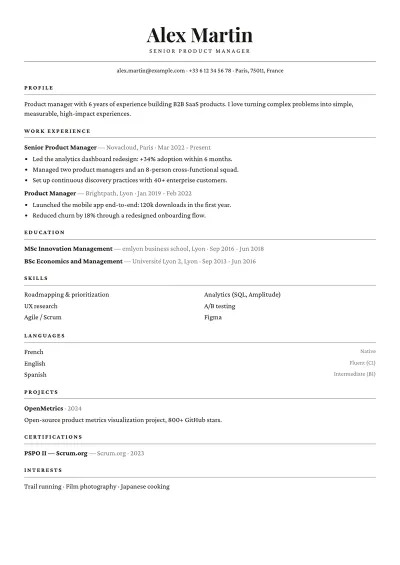
Gazette
Balanced · Creative · Education & research · Law & finance
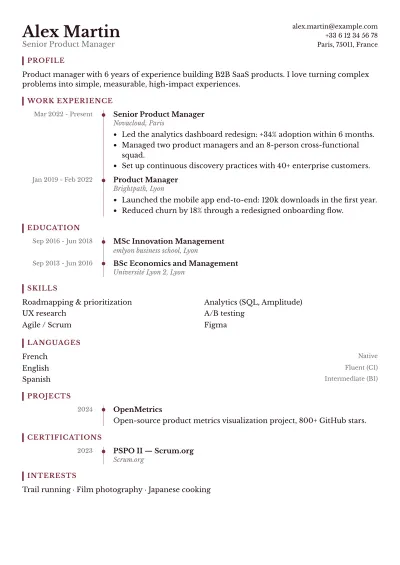
Claret
Balanced · Law & finance · Education & research
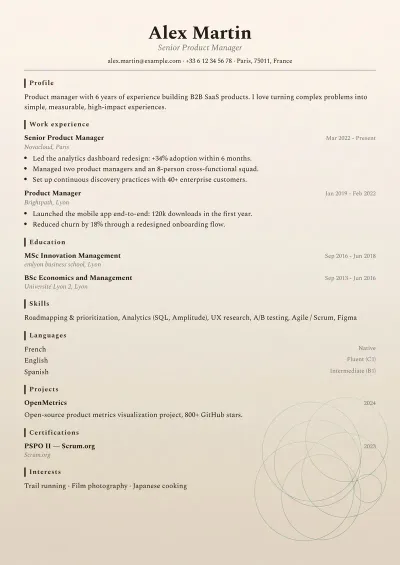
Manuscript
Balanced · Creative · Education & research
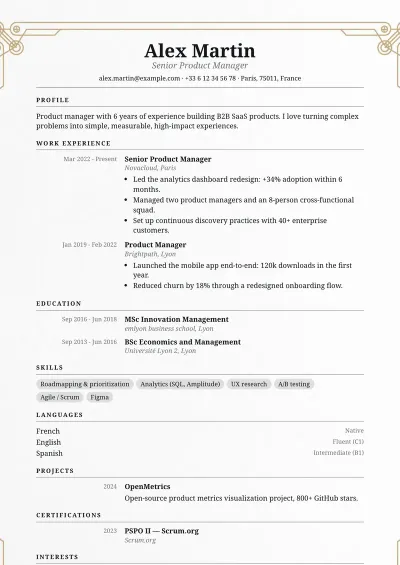
Medallion
Balanced · Law & finance · Health & care
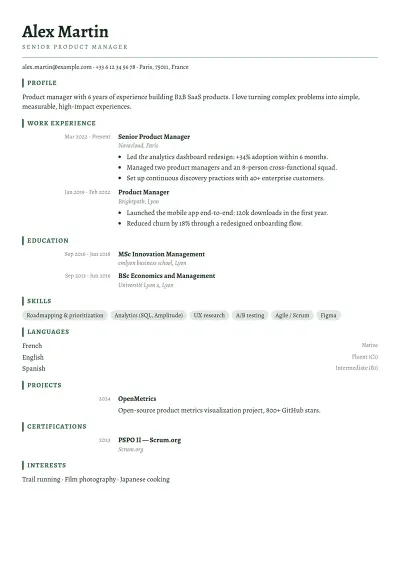
Library
Balanced · Education & research · Health & care
Modern résumé templates
Sans-serif type and structured layouts, for tech and business.
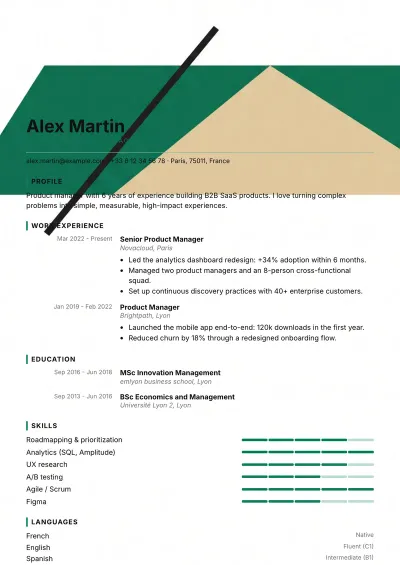
Bauhaus
Bold · Tech & data · Creative · Business & management
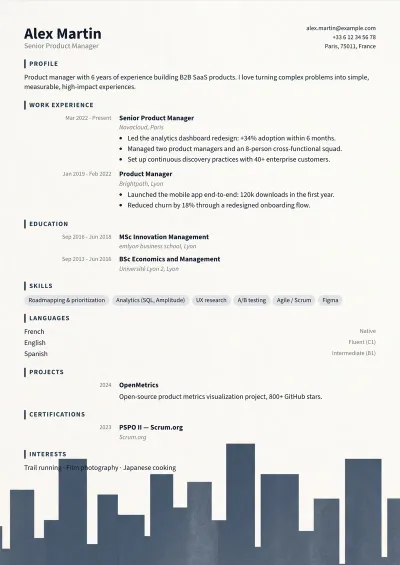
Skyline
Balanced · Business & management · Engineering & public sector · Tech & data
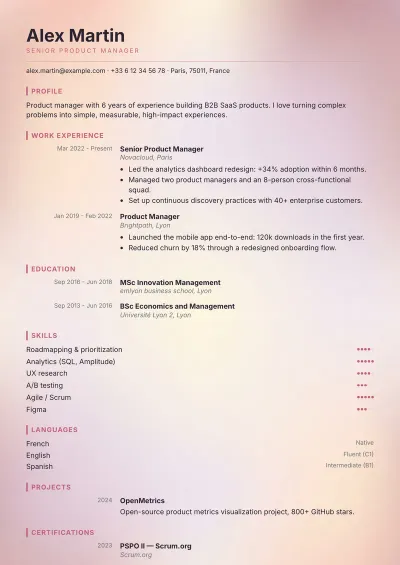
Dawn
Bold · Creative · Service & retail · Health & care
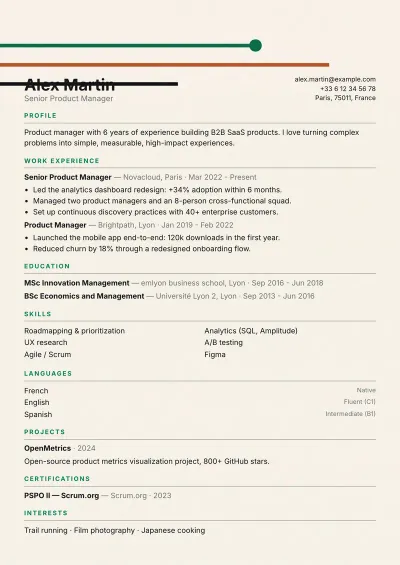
Lines
Balanced · Tech & data · Business & management
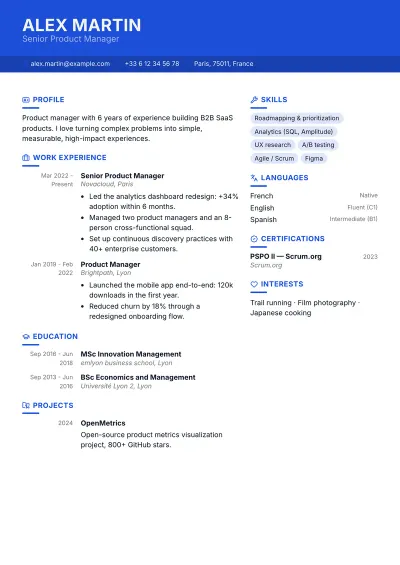
Cobalt
Balanced · Tech & data · Business & management
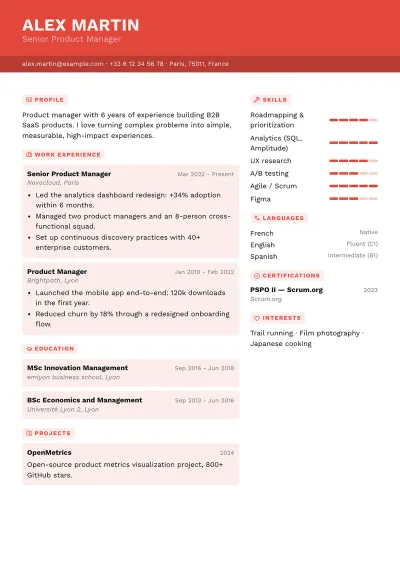
Signal
Bold · Tech & data · Creative · Business & management
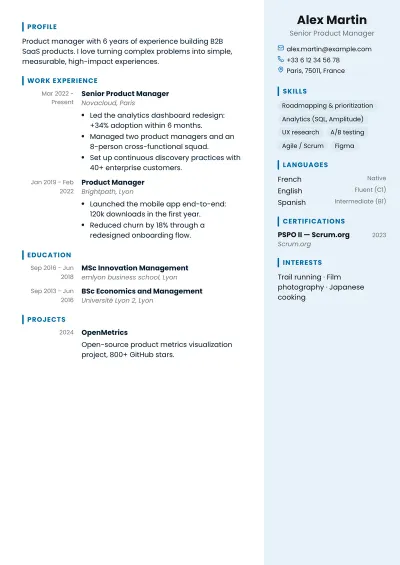
Azure
Balanced · Health & care · Business & management · Tech & data
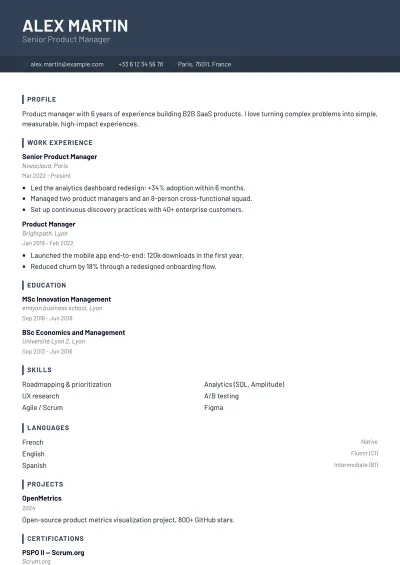
Graphite
Balanced · Tech & data · Engineering & public sector · Business & management
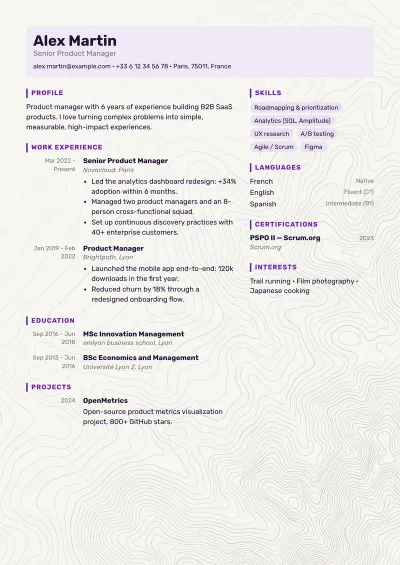
Prism
Bold · Tech & data · Creative · Education & research
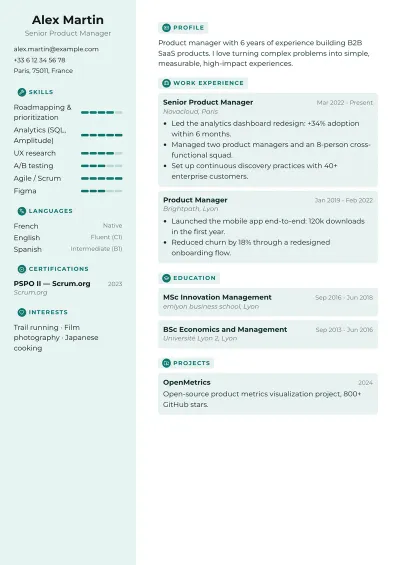
Studio
Bold · Creative · Tech & data · Service & retail
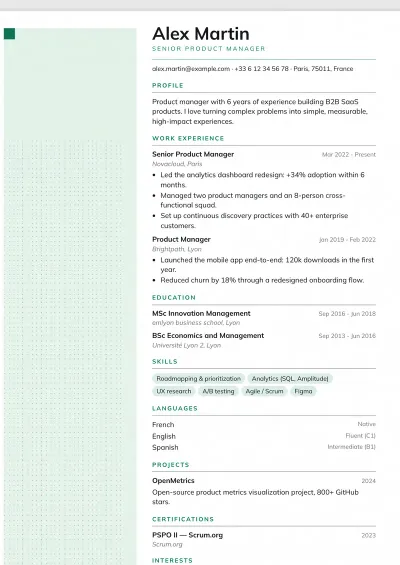
Mint
Balanced · Health & care · Service & retail · Education & research
Creative résumé templates
Dark sidebars and illustrated backgrounds, for when a person reads the résumé first.
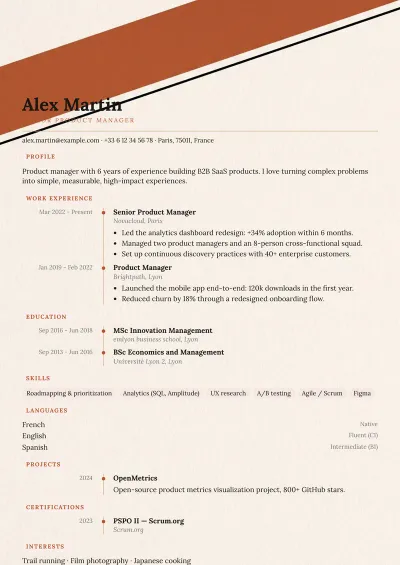
Terracotta
Bold · Creative · Service & retail · Education & research
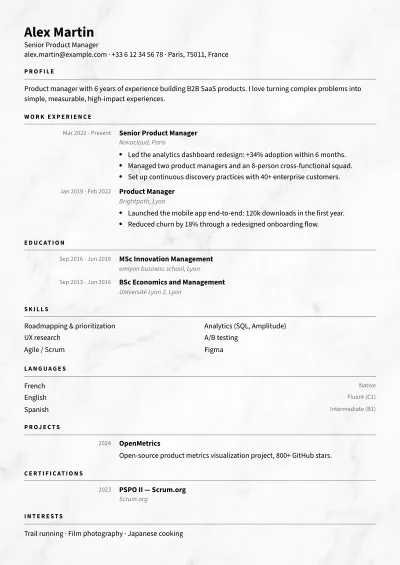
Mineral
Balanced · Creative · Business & management · Law & finance
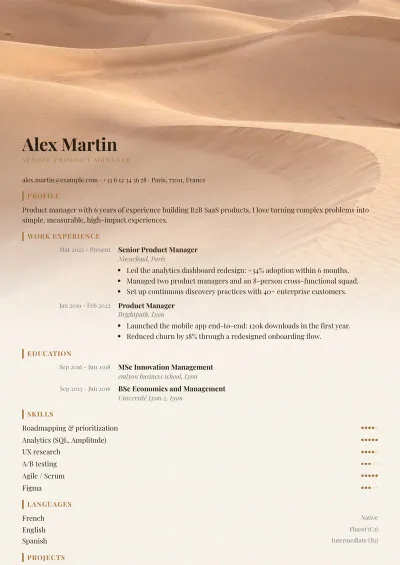
Dunes
Bold · Creative · Service & retail
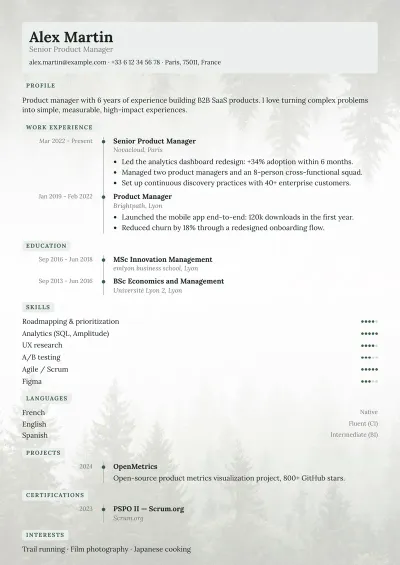
Mist
Bold · Creative · Health & care · Education & research
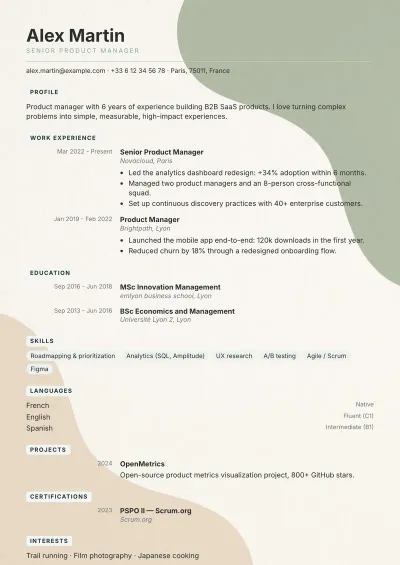
Pastel
Bold · Creative · Health & care · Service & retail
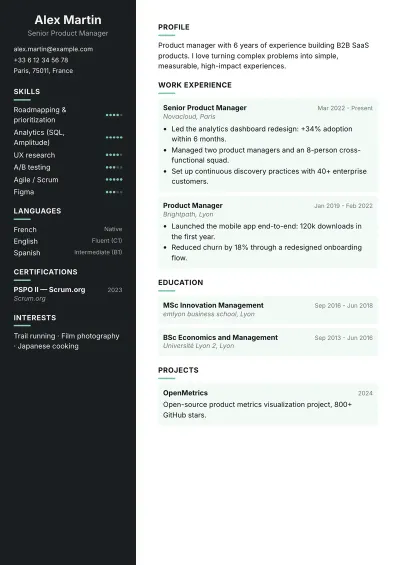
Night
Very bold · Tech & data · Creative
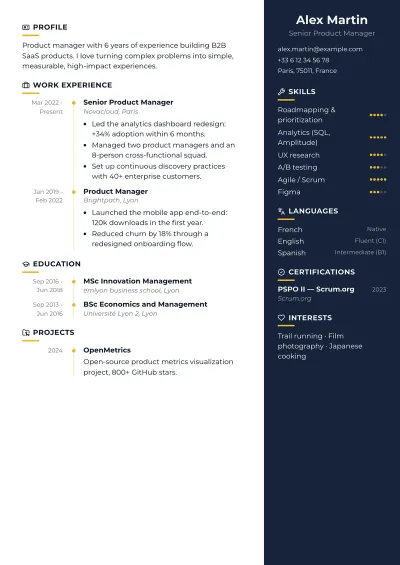
Midnight
Very bold · Business & management · Tech & data · Creative
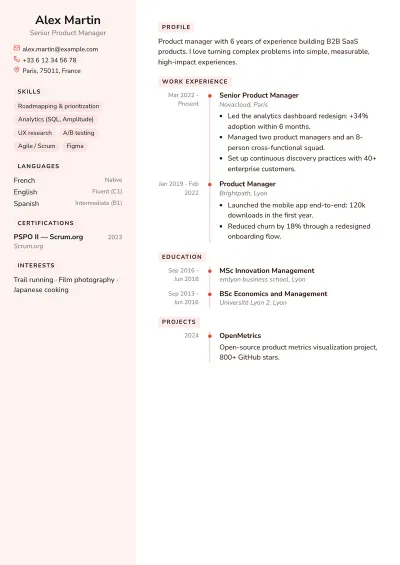
Coral
Very bold · Service & retail · Creative · Health & care
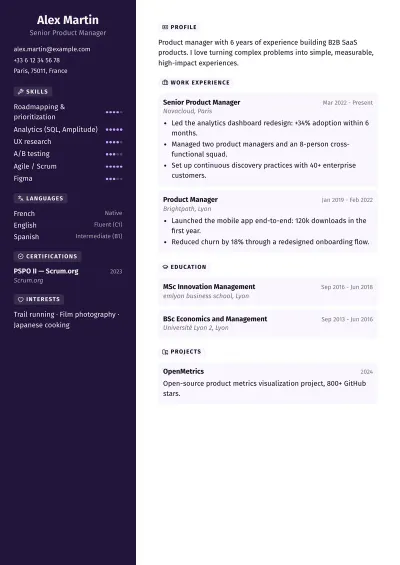
Neon
Very bold · Tech & data · Creative
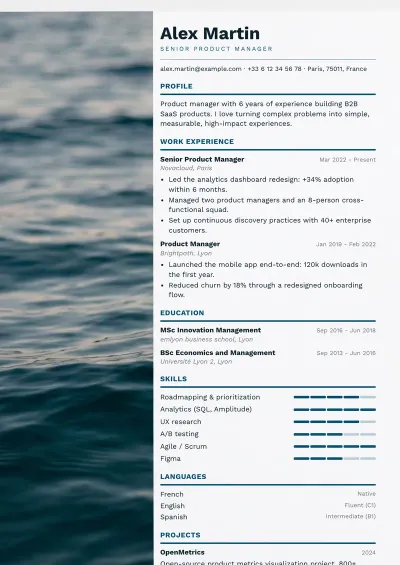
Ocean
Bold · Service & retail · Engineering & public sector · Business & management
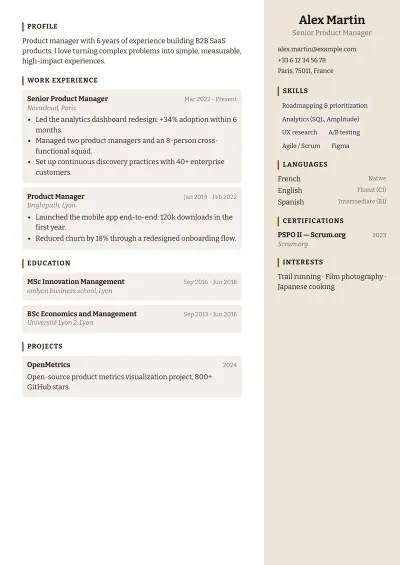
Clay
Bold · Creative · Service & retail
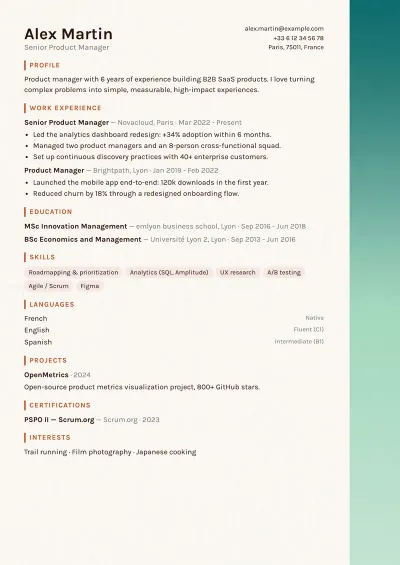
Edge
Balanced · Creative · Business & management
Choosing a template
Plume offers 43 résumé templates, all free and exported to PDF with no watermark. They come in four families, from the plainest to the boldest. The plainer a template, the better it gets through recruiting software (ATS); the bolder it is, the more it stands out when a person reads it first. Every template starts filled with a complete example: you replace the text, the layout follows, and you can switch templates at any time without retyping anything. Pick a family below to see every template in it.
Which template for which profile
The right template depends mostly on who reads your résumé first: recruiting software or a person. Here is where to start for your situation.
Applying online: job boards, large companies, recruitment agencies
One column and no background: the safest read for recruiting software.
First résumé: student, apprenticeship, recent graduate
With few lines to show, a plain page sets them off instead of burying them in decoration.
Law, finance, banking, civil service
Serif fonts and a restrained layout: the presentation itself is a sign of care.
Teaching, research, healthcare
A calm read; Library's timeline sets out a path with several steps.
Tech, product, marketing, consulting
A current look; Cobalt splits skills and history into two columns for quick skimming.
Graphic design, communication, events, fashion
A strong visual identity when a person reads the résumé first; Edge keeps it to one column.
Hospitality, catering, retail, speculative applications
Mint suits service roles; Mineral and Coral stand out when the résumé is handed over in person.
Frequently asked questions
Are the templates free?
Yes. All 43 templates are part of the free plan, with their design settings, and the PDF export has no watermark. Pro adds the AI assistant, job-offer analysis and unlimited résumés: it unlocks no template.
Which template gets through recruiting software (ATS) best?
The simple one-column templates, Pure ATS first. This software reads a résumé from top to bottom and sometimes gets lost in columns or graphic backgrounds. Whatever the template, the free ATS check shows what software actually reads from your PDF.
Can recruiting software read a two-column résumé?
Most can, but not all. For an application made online, prefer one column: Graphite, Skyline or Lines keep a modern look with safer reading. For a résumé handed over in person or sent straight to a recruiter, two columns are no problem.
Can I change templates after filling in my résumé?
Yes, at any time and without retyping anything: the content stays, only the layout changes. Every template starts filled with a complete example that you replace with your own text.