Simple résumé templates
The 10 simple templates keep to the essentials: a single column, with one exception in Column, no decorative background, clean headings and a typeface chosen for legibility. This is the safest family for recruiting software (ATS), which reads a résumé from top to bottom and sometimes gets lost in columns or graphic elements.
Pure ATS and Ink suit every field. Office and Ledger, set in serif type, are made for legal, finance and public-sector roles; Carbon and Slate for tech profiles; Understated and Paper for health and education. Pick this family for a large company, a recruitment agency or any application made through an online form: that is where software reads your résumé before a recruiter does. Column splits the page in two for a denser profile.
The 10 templates
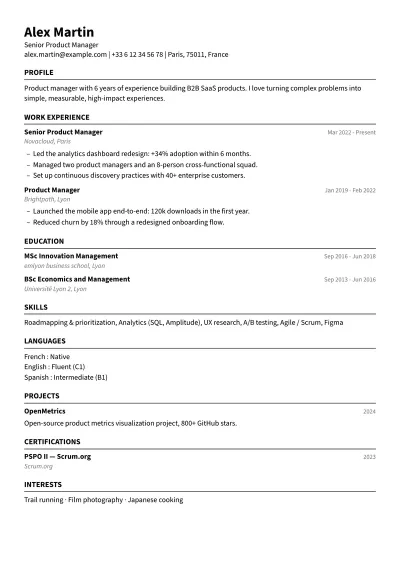
Pure ATS
Very plain · Any field
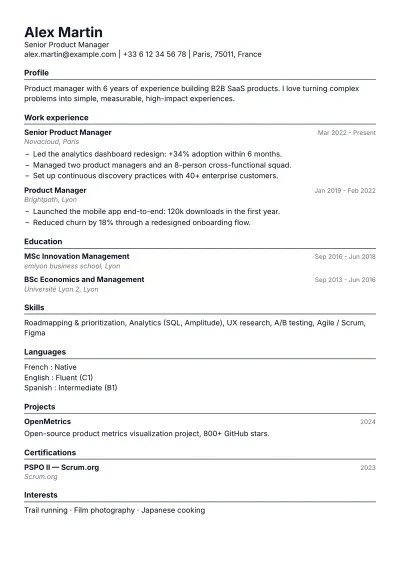
Ink
Very plain · Any field
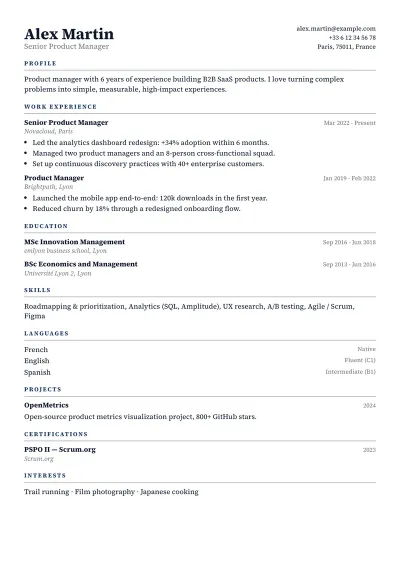
Office
Plain · Business & management · Law & finance · Engineering & public sector
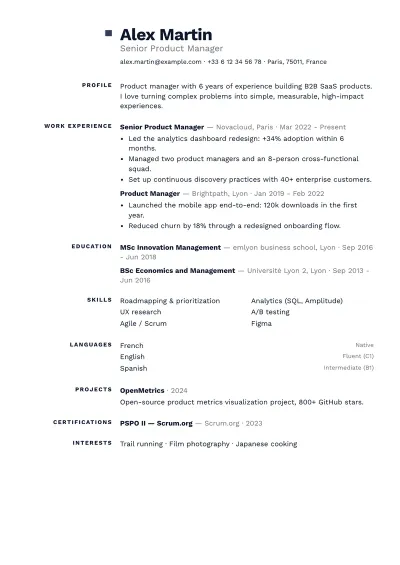
Slate
Plain · Business & management · Tech & data · Engineering & public sector
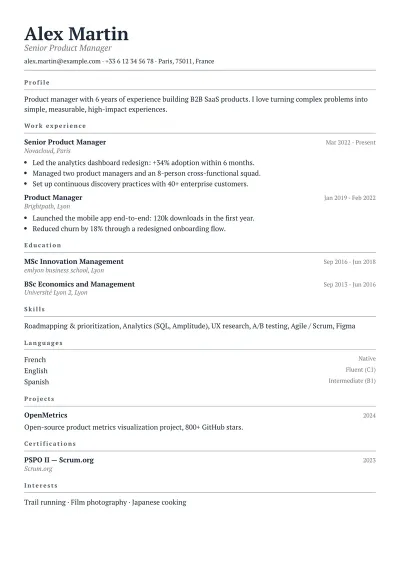
Paper
Very plain · Education & research · Law & finance · Health & care
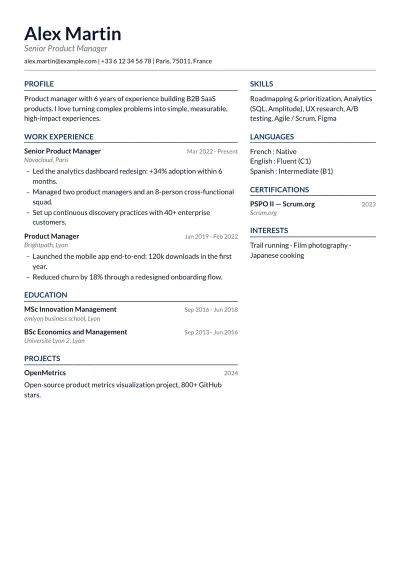
Column
Plain · Business & management · Tech & data · Engineering & public sector · Education & research
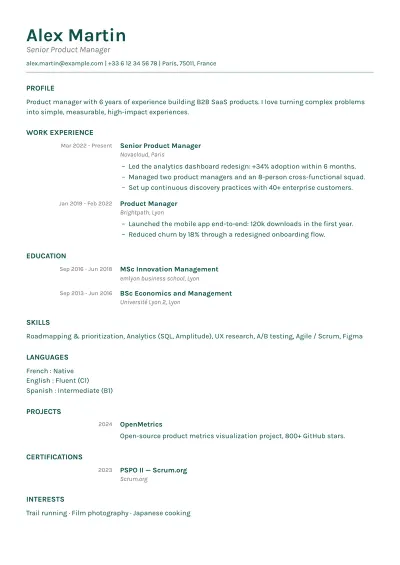
Understated
Plain · Health & care · Education & research · Service & retail
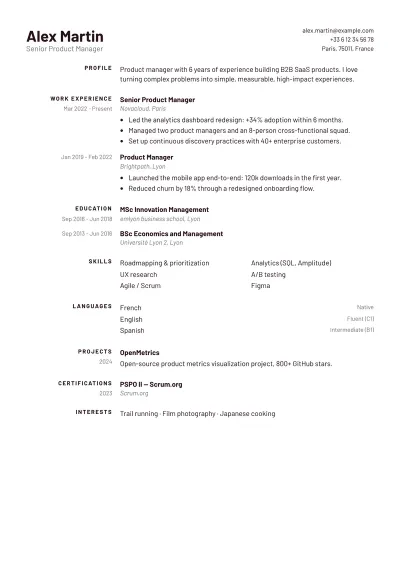
Agency
Plain · Business & management · Service & retail
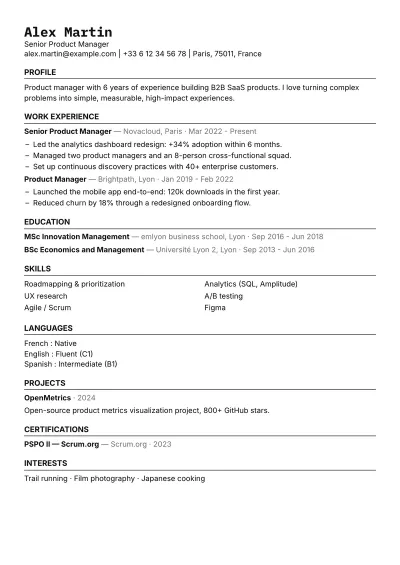
Carbon
Plain · Tech & data
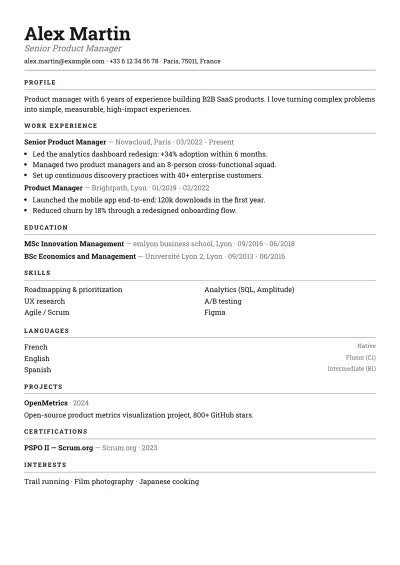
Ledger
Plain · Law & finance · Engineering & public sector
Who this family is for
Simple templates suit a first résumé above all: a student or recent graduate has few lines to show, and a plain page brings them forward instead of burying them in decoration. They also fit every application made through a job board, a large employer's careers portal or a recruitment agency, where software reads the résumé before a person does. And they suit fields where restraint is expected: the public sector, banking, insurance, law, manufacturing. Nothing stops you adding an accent colour: the structure stays the same.
Layout tips
- Keep to one column if you apply online. Column, the only two-column template in the family, is best kept for résumés handed over in person or sent straight to a recruiter.
- Give the page room to breathe: even margins and comfortable line spacing work better than shrinking the font to fit everything in.
- Name your sections with the expected words (Experience, Education, Skills, Languages): that is what software recognises, and what a recruiter's eye looks for.
- Before you send it, run the exported PDF through the free ATS check to make sure nothing gets in the way of reading it.